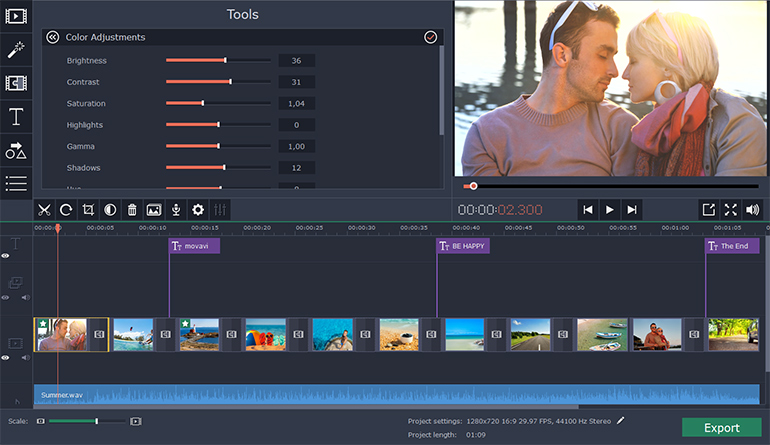
Although there are many ways to create slideshows, if you are hoping to come up with one that has various additional audiovisual elements such as background music, animation, or captions then you may find it easier said than done. Often creating impressive slideshows can be a time consuming task that requires a certain amount of experience and expertise using a specific software.
However rather than putting yourself through all that, you will find that Movavi Slideshow Maker provides a much easier yet just as powerful alternative. It is a slick and specialized slideshow creation tool that will let you not only compile slideshows but also incorporate any other audiovisual elements you may want.
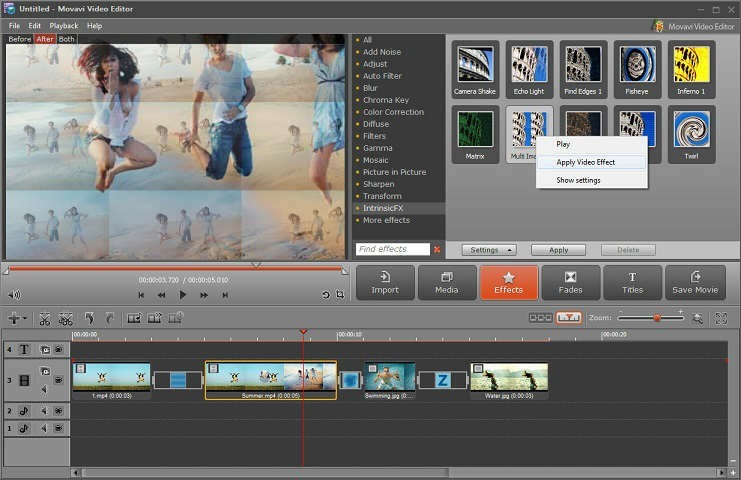
By using Movavi Slideshow Maker, you can add images as slides and even intersperse them with some video footage as well. The interface will make it easy for you to adjust the images that you add and arrange them by dragging them into place so that they’re in the right order. If necessary you can edit the images and videos that you add, to improve their quality or fix any issues.
After that you can start to incorporate other elements to make your slideshow look more impressive, starting with animated transitions. Within Movavi Slideshow Maker you’ll find numerous transitions split across three categories namely Simple, Geometric, or Artistic, and you can place them between slides to link them together.
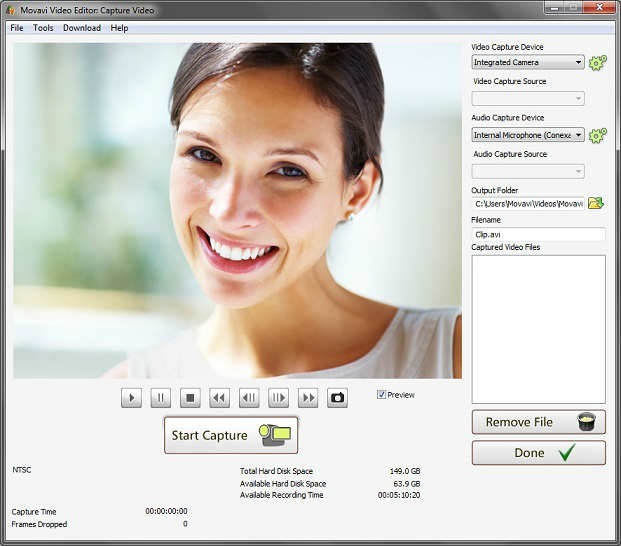
Next you can include an audio track containing background music from one of your own audio files or one of Movavi Slideshow Maker’s built-in tracks. It is possible to set the slide duration so that it automatically matches the tempo of the background music, and you could even record a voiceover to narrate your video on the spot using a microphone.
To provide your slideshow with a unique visual style or appearance you could apply the filters and effects in Movavi Slideshow Maker, or add unique-looking captions to it to act as titles, subtitles, bullet points, and so on. Once you’re satisfied you can then save the slideshow as a video so that it will be compatible with most devices and platforms.
As you can see the scope of Movavi Slideshow Maker is nothing to sniff at, and it is worth noting that it will provide you with two distinct options when creating slideshows: An ‘Easy mode’ or a ‘Full feature mode’. If you want to quickly create a simple slideshow via a basic 3-step wizard then the ‘Easy mode’ will give you with you need, but if you’d like to customize it with additional elements then the ‘Full feature mode’ is what you’re after. In either case you should have everything you need to create an impressive slideshow.