
Tag: new

  • ‘Jelly’ helps Crowdsourcing answers from your social networks

    ‘Jelly’ helps Crowdsourcing answers from your social networks

    Social_Search_Engine_Jelly_y1eazsTwitter co-founder Biz Stone has launched Jelly, an app that helps its users to find an answer to whatever question puzzles them at the moment.

    Jelly is intended to tap  into the potential of users’ extended social network. It allows users to post a query, accompanied by a picture or a drawing, and receive a response from the people they know and trust.

    The idea behind Jelly, was to create a search engine that would give relevant results with knowledge from friends and family, rather than from a generic algorithm. Although, there are several existing social QnA apps and forums like Quora, Jelly utilises pictures for the same purpose.

    One can click a picture and ask his/her friends across Facebook and Twitter. With imagery, the discussion becomes more interactive. Each query is submitted to the people in the network who also have Jelly. The app notifies the user back when there are answers.Screen-Shot-2014-01-07-at-9.22.10-AM-520x446

    The company touts three specific benefits to its app. The first is that it works with your existing social networks — it’s not something new that you have to sign up for. Secondly, it allows you to forward your questions outside of your friends so it’s not constrained to 150 people or 5,000 folks on a particular social network. Lastly, questions aren’t limited to text-only. Users can upload an image, crop it, reframe, draw on it to help add more specific context to their inquiry.


    The idea for a social search service has been criticised in the media, with many observers pointing out that users can already share their questions, accompanied by pictures, through existing social networking services, and don’t really need Jelly.

    Jelly was named after the jellyfish. Stone was inspired by this sea creature saying that the neurological decentralization of the animal has caused it to be more of a ‘group-think’ one whose brain is “more ‘we’ than ‘me’.”


     

    ➤ Jelly for iOS | Android

  • FIrefox 24 is Now Available !!

    FIrefox 24 is Now Available !!

    Mozilla has uploaded a few minutes ago, September 16, 2013, the final packages of their exceptional Mozilla Firefox 24.0 web browser for Linux, Mac OS X and Windows platforms.

    This announcement is only for those of you who want to download the brand-new Mozilla Firefox 24 web browser ahead of the officially announcement, which will happen later today. Therefore, you can download the final version of Mozilla Firefox 24.0 right now (see download links at the end of the article for your favorite platform(s)) from the official Mozilla FTP servers.

    Get Firefox 24 Now !!

    firefox_24

    If you prefer to wait for the official launch, you’ll soon be able to grab it directly from Firefox.com. Soon after it arrives tomorrow, Mozilla will also push it out via the browser’s automatic updates feature.

    NEW

    Support for new scrollbar style in Mac OS X 10.7 and newer

    NEW

    Implemented Close tabs to the right

    NEW

    Social: Ability to tear-off chat windows to view separately by simply dragging them out

    CHANGED

    Accessibility related improvements on using pinned tabs (see 577727)

    CHANGED

    Removed support for Revocation Lists feature (see 867465)

    CHANGED

    Performance improvements on New Tab Page loads (see 791670)

    DEVELOPER

    Major SVG rendering improvements around Image tiling and scaling (see 600207 )

    DEVELOPER

    Improved and unified Browser console for enhanced debugging experience, replacing existing Error console

    DEVELOPER

    Removed support for sherlock files that are loaded from application or profile directory

    FIXED

    Replace fixed-ratio audio resampler in webrtc.org capture code with Speex resampler and eliminate pseudo-44000Hz rate ( see 886886)

    FIXED

    24.0: Security fixes can be found here

    • Try out the new Future Fox : Australis

      Try out the new Future Fox : Australis

      The new Australis theme has been looming around the heads of the Firefox community for a very long time. Most of what we – that is the public – know about the theme is that it will modify how Firefox looks as it will replace the current default theme when it is released. What many Firefox users may not be aware of though is that Australis is more than just a theme replacement as it will affect the way we customize the browser.
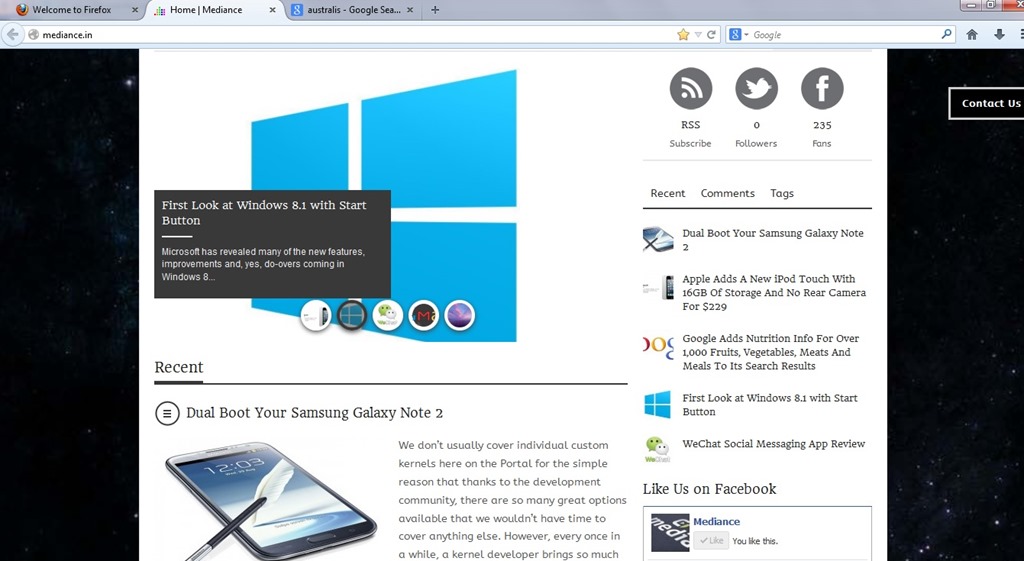
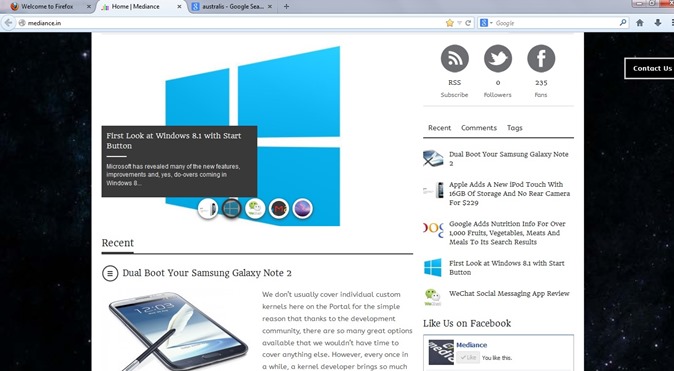
      Australis

      The project that has been guiding Mozilla’s exploration of what a modern browser should look like is Australis (because Mozilla apparently likes to name projects after star systems) and the fruits of this project will soon find their way into the Firefox release channels, starting with Nightly once it hits version 25 soon. After that, it will make its way through the usual release channels, though Nightingale told me that the team may hold it back from the stable channel a bit longer to ensure that everything works smoothly.

      If you feel really adventurous, you can already install a version of Firefox from Mozilla’s relatively obscure UX branch and test it in its current state (but don’t blame us if it crashes a lot or shreds your hard drive).

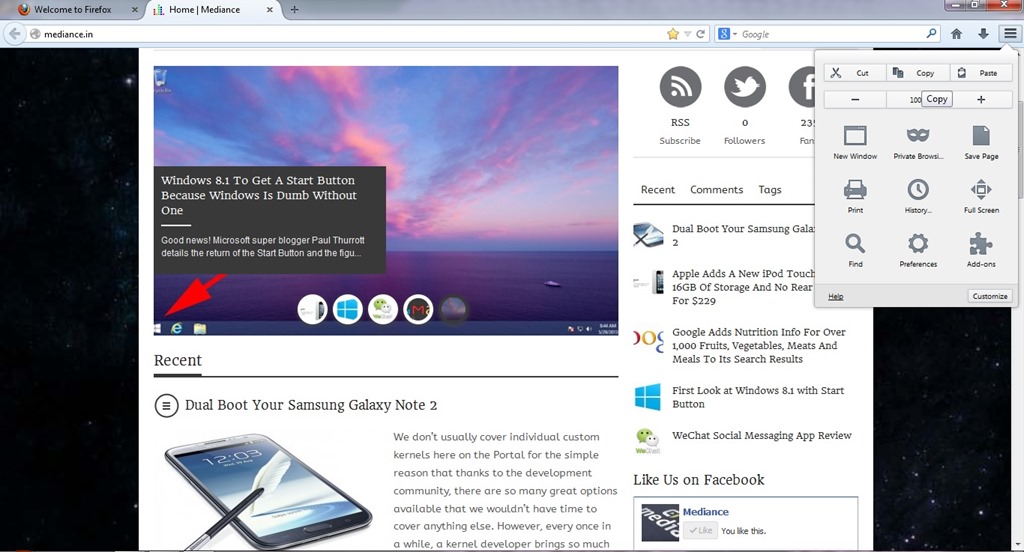
      firefox1While the main Australis theme won’t land in the stable channel before October. The combined stop/load/reload button in Firefox, for example, came out of this group. So did the new download manager and the fact that Firefox now doesn’t show the forward button anymore when there is no page to go forward to. The customization and tools menu now also uses icons in a three-by-three arrangement and dedicated buttons for copy, select and paste, as well as for increasing font sizes instead of just using a regular drop-down text menu.

      Australis is not just about the design, though. One area that’s also changing with Australis is how you customize the look and feel of your browser. Mozilla currently offers quite a few tools for this, but the team believes they are hard to find and not “fun” enough to use. As Mozilla’s Gavin Sharp told me, the idea here was to get users to enjoy customizing their browsers for the way they use it. Unless users can find these features, though, they could just as well be left out, so the team is working on ways to make it a bit more obvious that users can rearrange and remove virtually all the parts of the Firefox interface to suit their needs.

      ff2Now that Firefox is on a rapid-release schedule, the team obviously can’t change the user interface with every update, so the current thinking is to roll some things out together once they are ready and, where it makes sense, roll others out individually. This means that while we’ll see Australis and its curvy tabs in the nightlies of Firefox 25 very soon, it may not actually land in the stable version of Firefox 25.