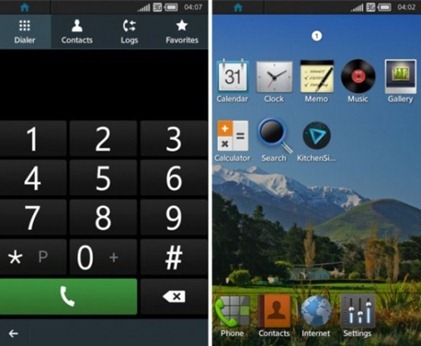
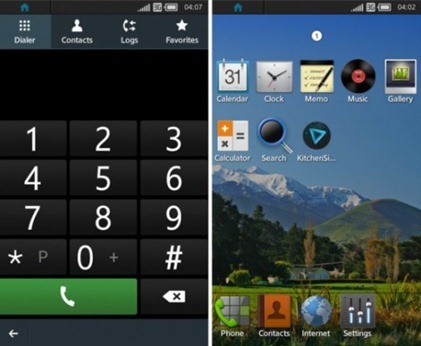
Run the TIZEN Emulator.
In Tizen IDE click of
Window->Preferences->Tizen SDK->Security Profiles->Add->Enter Any Name as Profile Name.
Edit Distributor Certificates and Change Password as your wish.
Generate Author Certificate :
- Enter Key filename
- Alias
- Password (Note:- Distributor and Author password should not be same).
- Password confirmation
- Others are optional
- Click Ok.
Right-Click on project name in Project Explorer in Tizen IDE.
Run As -> Tizen Web Application.