 Everyone wants a better battery life for their smartphone. But the bulky applications running on your smartphone are just eating away your battery, but do not worry we have a collection of best battery saving apps.
These apps will not only extend the life of your handset, but could also improve its overall performance.
1. Juice Defender (Free/Paid)
 With almost endless options, Juice Defender is the all favorite app on this list. Juice Defender is free app but it also comes in Plus and Ultimate versions. Depending on what level of control you are looking for. It can turn mobile data off automatically, and most of all, it can extend your battery life for long periods of time.
Main Features of JuiceDefender
- Multiple Preset Profiles
- Easy UI
- Home screen Battery Widgets
- Smart Brightness control
- 2G/3G auto toggle and Wi-Fi auto control
- Battery Consumption Optimization
- Comprehensive Connectivity Scheduling
- CPU scaling when phone is idle
2. DU Battery Saver (Free/Paid)
 DU Battery Saver has many intelligent options that provide more advantage over other battery saving apps.
There are various intelligent mode and pre-set options that you can set up to minimize your phone’s battery usage as possible. DU Battery Saver also comes with many inbuilt home screen widgets.
Main Features of DU Battery Saver
-
Home screen widgets
-
Multiple preset profiles
-
One-Click Optimization
-
CPU Frequency management
-
Healthy charge manager
–> Also Read: 7 tips for improving your smartphone’s battery life <–
3. Easy Battery Saver
Easy Battery Saver is a powerful manager app specifically designed to extend battery life and optimize using habit. It saves your battery by intelligently dealing with phone’s network connectivity, screen time out and screen brightness. Also, the considerable sleep schedule setting will save your battery when you are sleeping.
Main Features of Easy Battery Saver
- Multiple Modes
- Visual Battery status
- Battery consumption list of real-time running items
- Simple, interactive and helpful tutorial
- Notice of how to use battery better
4. Battery Doctor
Battery Doctor also features a built-in task killer to get rid of the apps taking extra space and power in the background.
This battery saver Android app actually shows information very accurately. One of the best parts of this app is it accurately gauges battery levels, you actually have an idea of when your device is going to run out of battery, based on previous your consumption patterns. Pretty much like a deadline.
Main Features of Battery Doctor
- Battery Level Gauges
- Task Killer
- Unique three-charge cycle that boosts battery life
- Widgets that improve battery performance
- Device software and hardware information
5. Battery Widget Reborn
Battery Widget Reborn comes with better design, Dashclock Extension that lets you activate you camera flash to use as a flashlight. It also has features like power saver mode etc. There are a few power saving options that automatically kick in during the night while you’re sleeping, such as turning Airplane Mode on. Overall, it’s one of the more useful battery saving Android apps, so check it out. If you want a Battery Widget Reborn for free you can try its beta version.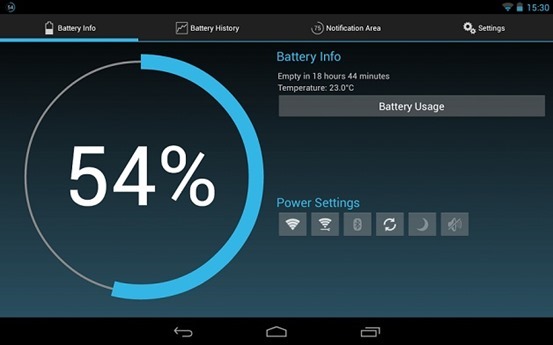
Main Features of Battery Widget Reborn
- Circle battery level indicator
- Shortcuts to Power-Summary/Background Sync/Wifi/BT Settings
- Status bar notification of battery status
- Prediction (estimation) how long battery lasts
- Automatic airplane mode during the night charging and discharging chart
- Optional charging and discharging chart
- Power related toggles: Wifi/Bluetooth/Background Sync/Airplane mode
- Customizable notification priority
So these is our top 5 picks for Battery saving apps, you are using any other app do let us know in comments and we will add it also

 Regardless of the race, people have a soft heart on movie viewing. Movies have long been helping people see the world in different light. Unconsciously, it is bridging some cultural and distance gaps between nations. Yet, as a usual scene in life, there are ones made in lesser taste.
 While
While 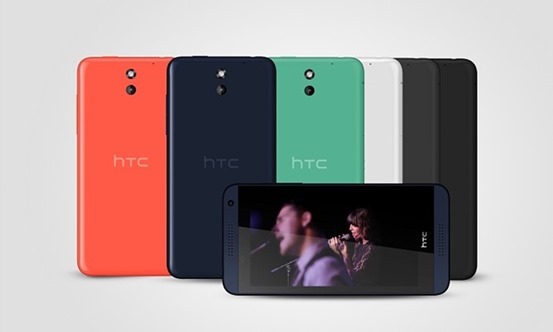 The HTC Desire 610 is a smaller device, with a 4.7″ qHD screen. The Desire 610 has an 8MP camera and is powered by a Snapdragon 400 chipset. It has a fairly large battery too, 2,400mAh, which surprisingly is only a bit smaller than that of the phablet. Also having 1 GB of RAM, 8GB of storage, and a microSD card slot.The handset is scheduled to hit Europe sometime in May.

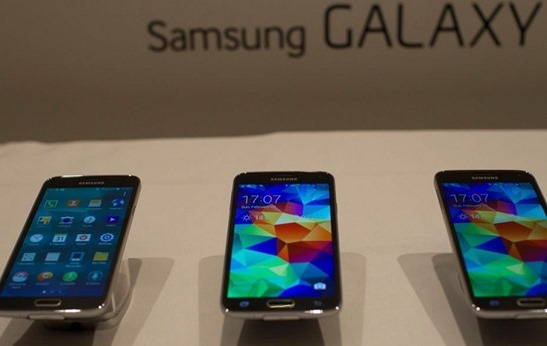
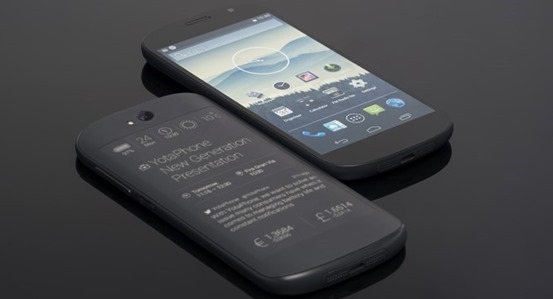
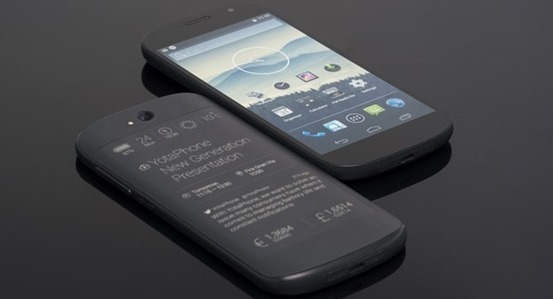 Russian handset maker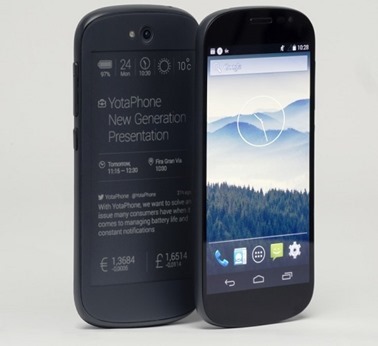
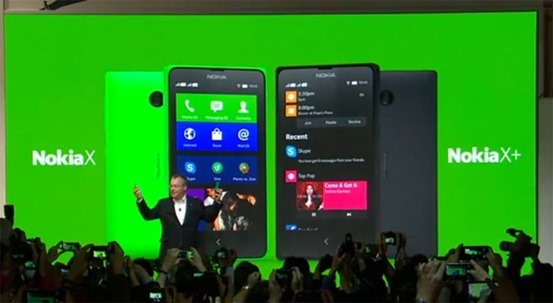
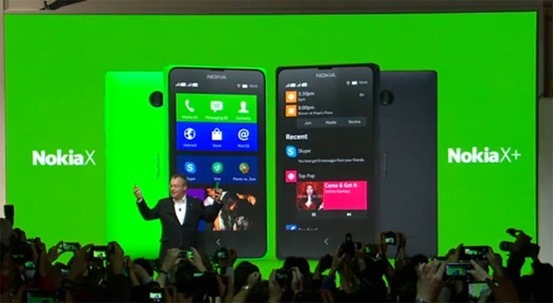 Nokia has finally launched its series of Android phones at MWC 2014, The low-cost devices are running a forked version of Android laden with Microsoft services, as well as the ‘Fastlane’ UI as on Nokia’s Asha.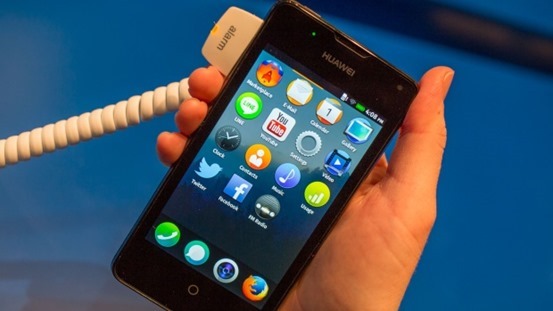
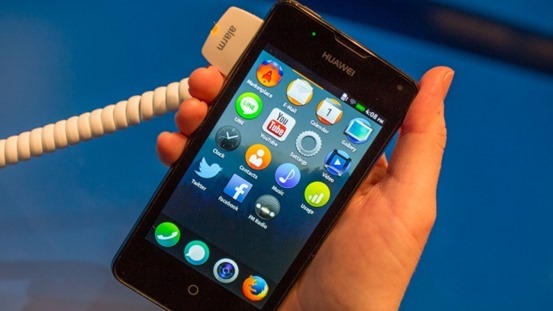 Huawei made its debut in world of Firefox OS with Y300. The phone was showed at MWC 2014. The device runs FFOS 1.1 with its focus on stability. Regardless, the Y300 looks like much like its sibling FFOS devices in software and general build quality. The FFOS UI appeared mostly same on the Y300,
 If you are not using a genuine version of Windows 7 or other using a pirated copy. You will notice “This copy of Windows is not genuine “displayed at the bottom of the screen, If you are also facing the same problem then no need to worry about, we have an easy guide that will help you to fix . By providing this guide we are not encouraging or promoting piracy. So, The best way to solve this problem is to buy a genuine copy of windows 7. This guide for the people who can not for any reason are unable to buy brand new windows.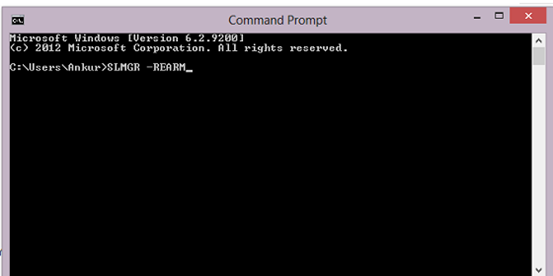
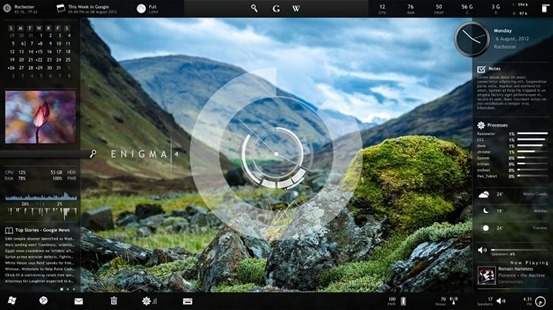
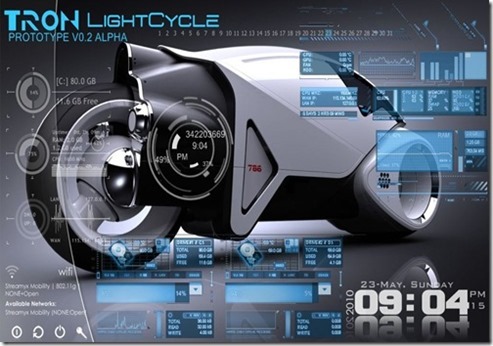
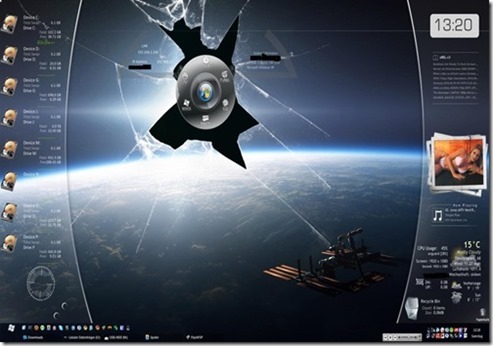
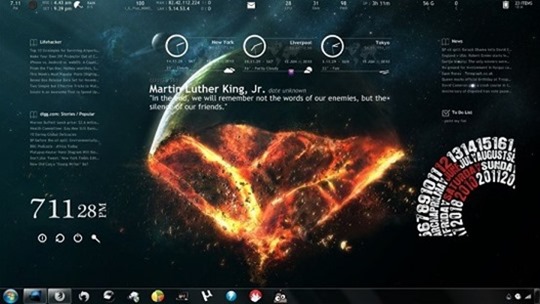
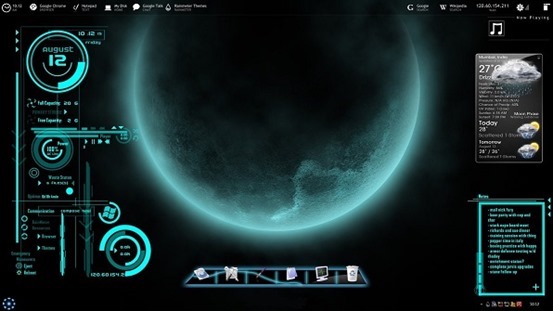
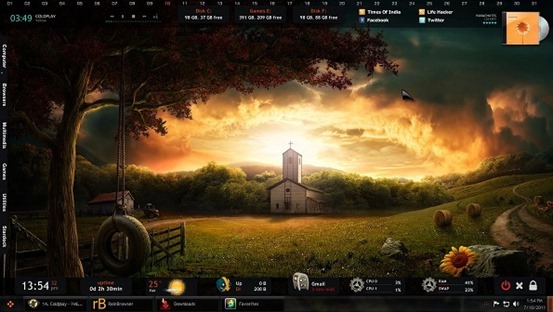
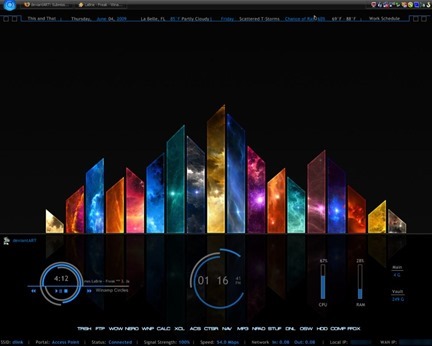
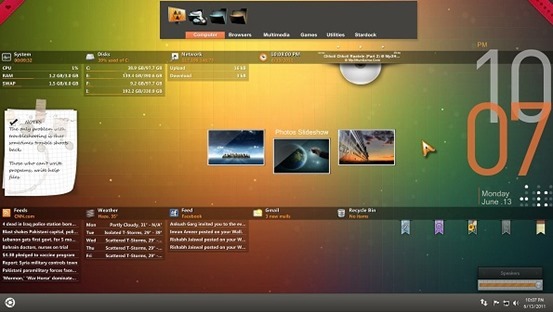
 Windows Desktop customization app Rainmeter has a pool of various configuration options, informational tools, and settings that let you customize almost every square pixel of your desktop exactly how you like it—plus it looks fantastic. It’s powerful and effective once set up.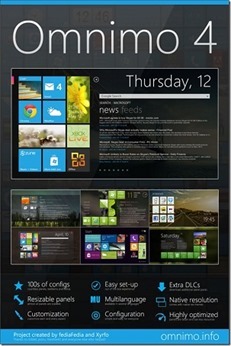
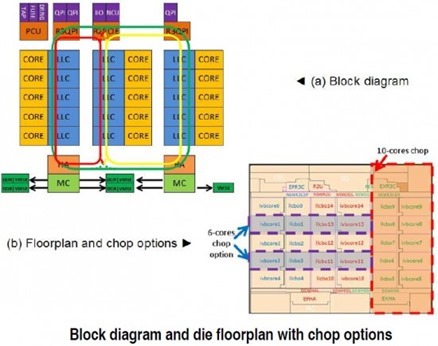
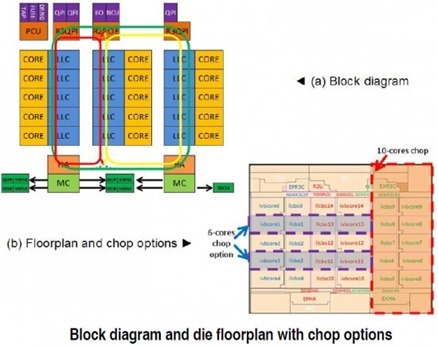 The floor plan of the Ivy Town chip is considerably different compared to today’s multi-core chips and is driven by the ring bus routability and latency, as well as the chop requirements to different core counts. The cores and associated L3 cache are organized in columns of five with the ring bus segment embedded.